Categories
Uncategorized

Final Graphic Collage

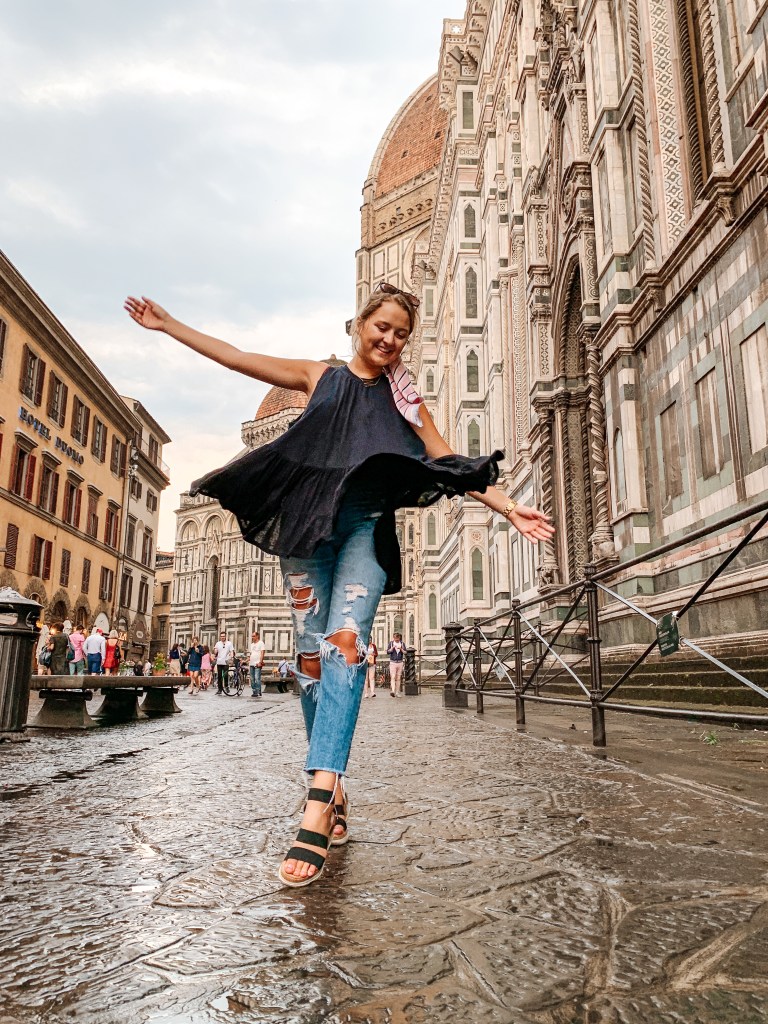
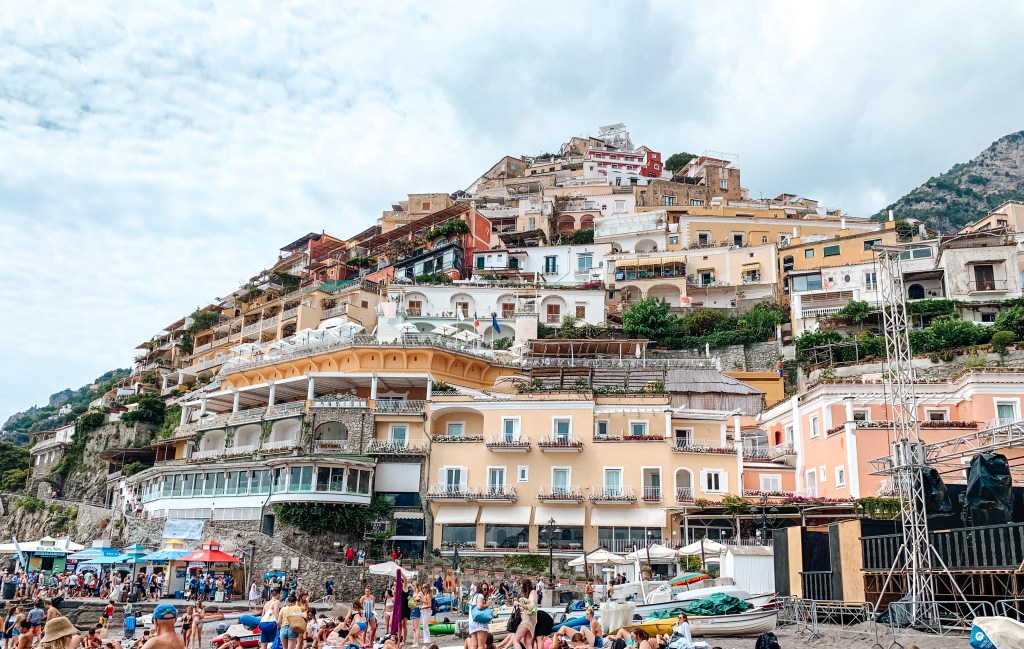
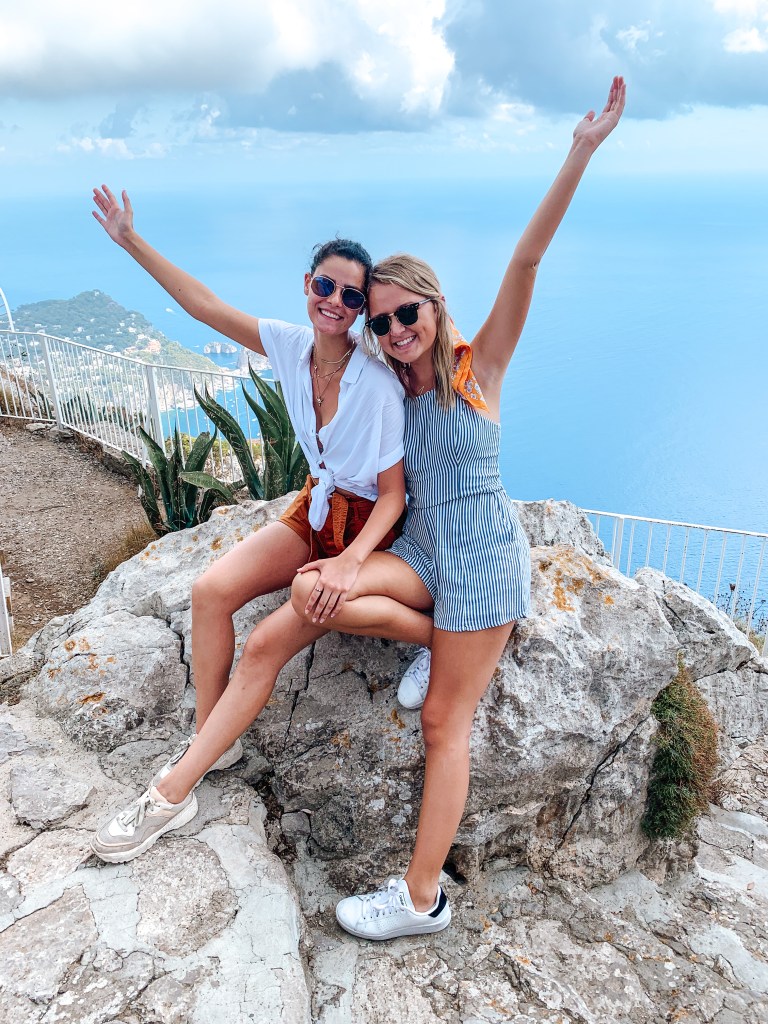
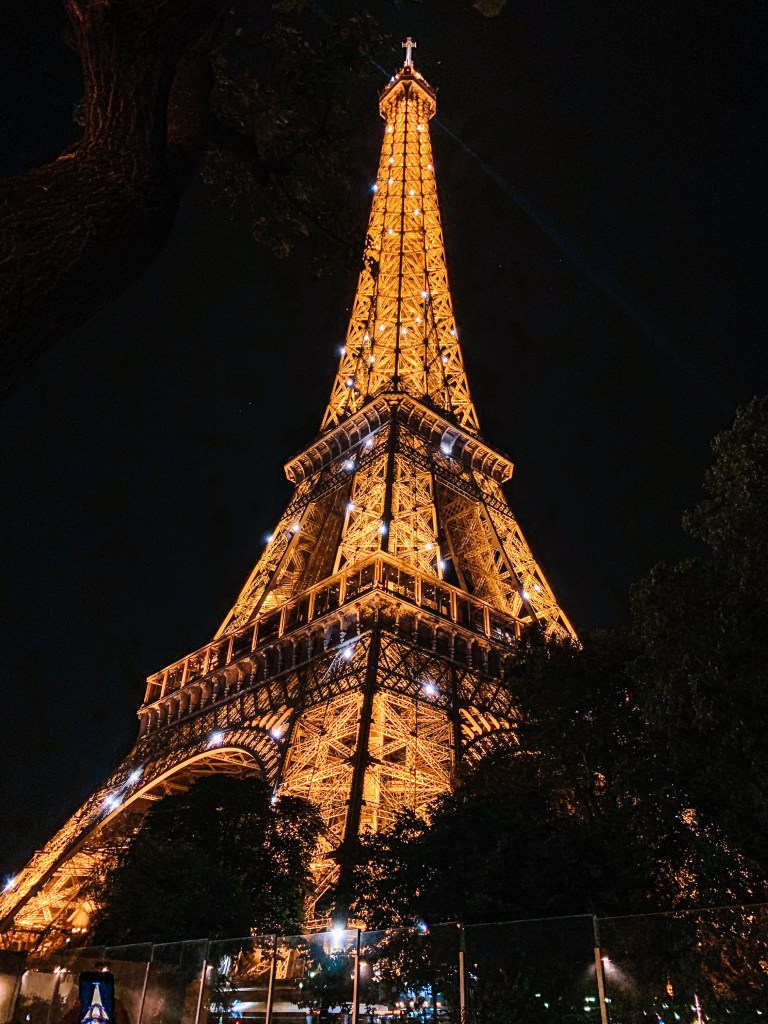
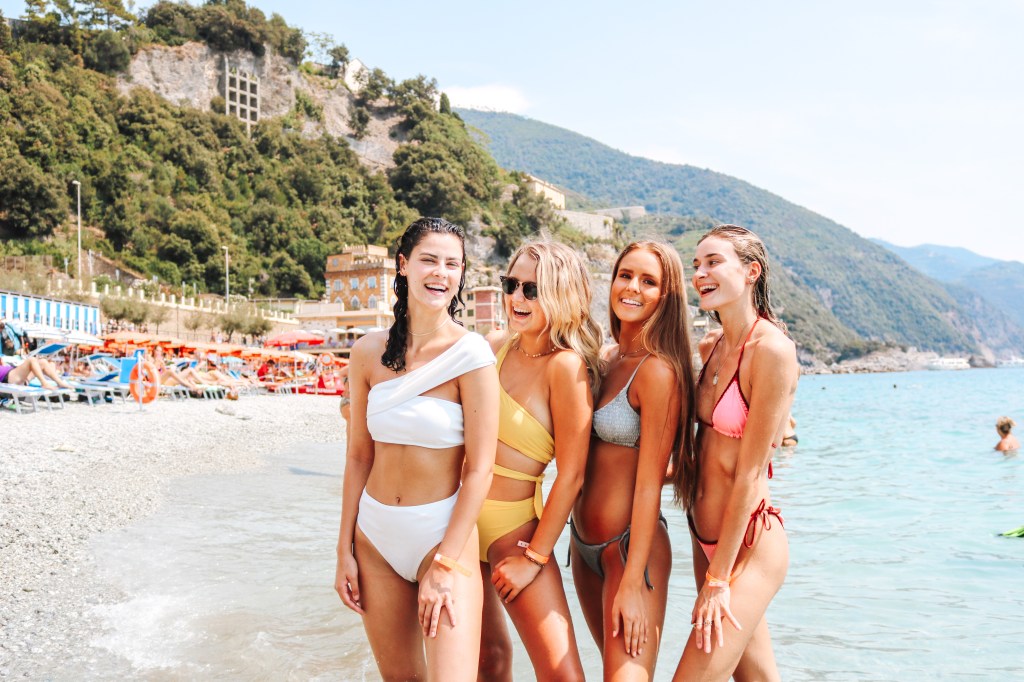
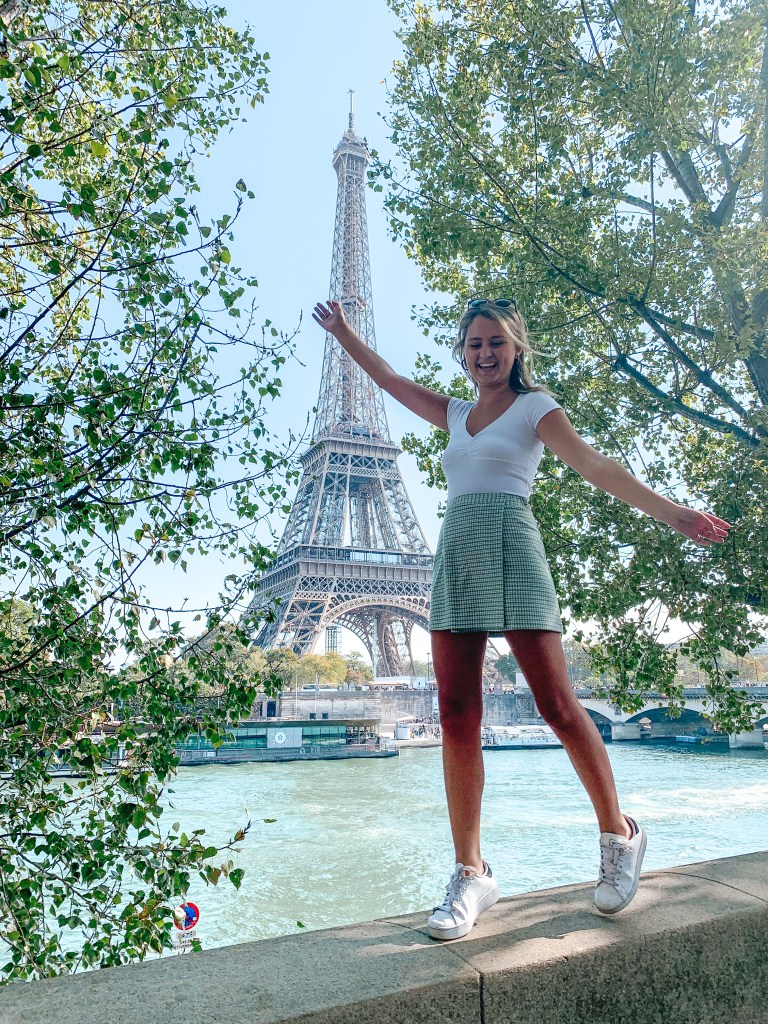
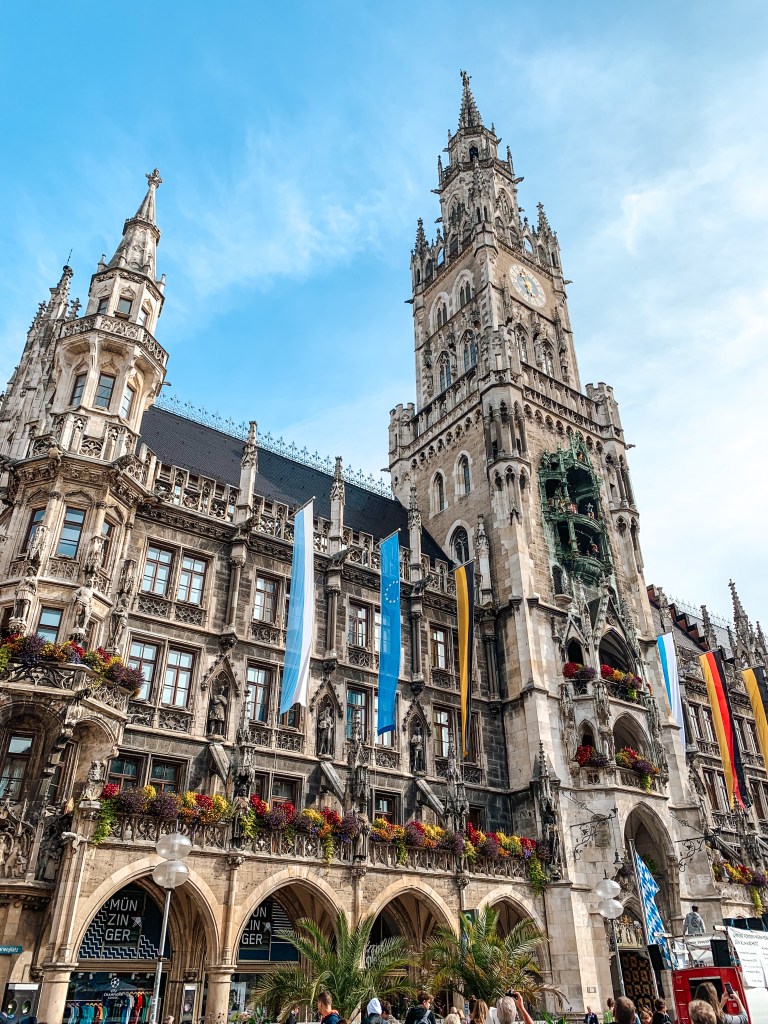
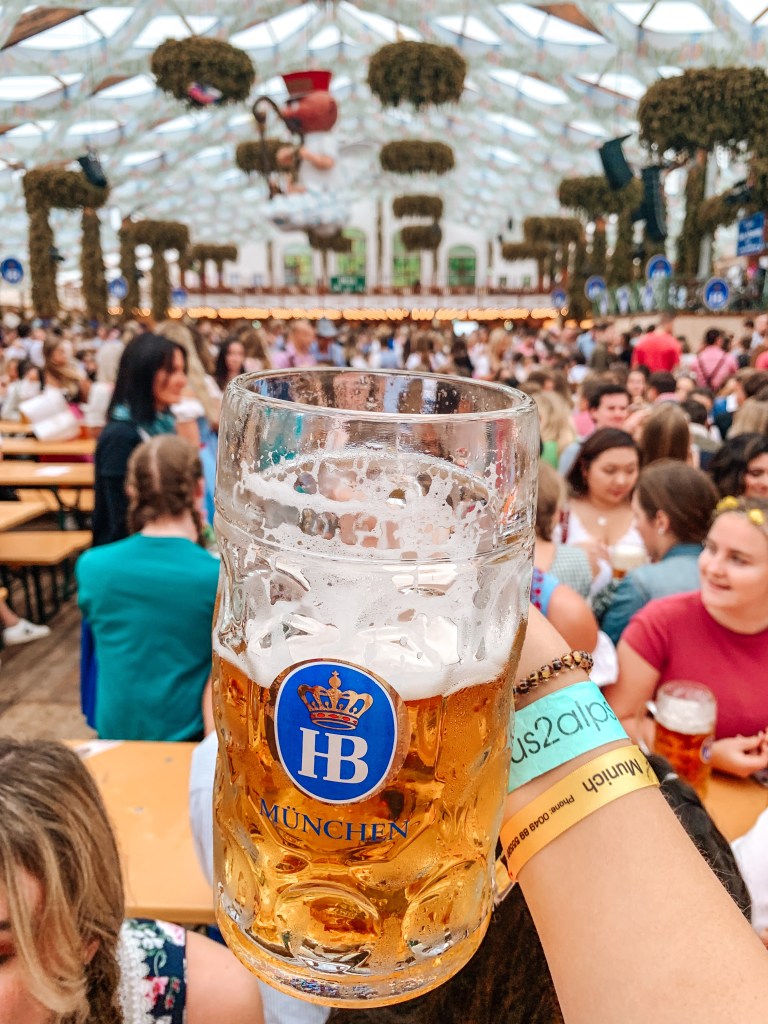
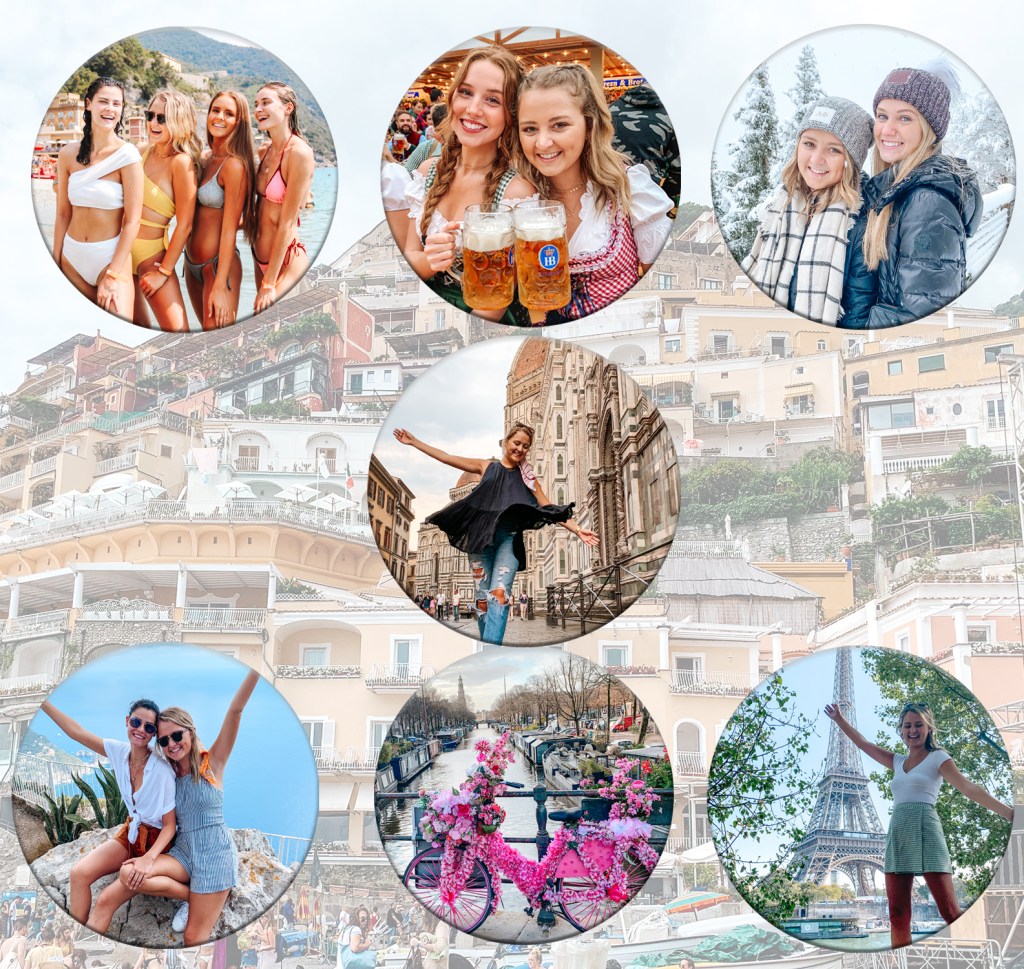
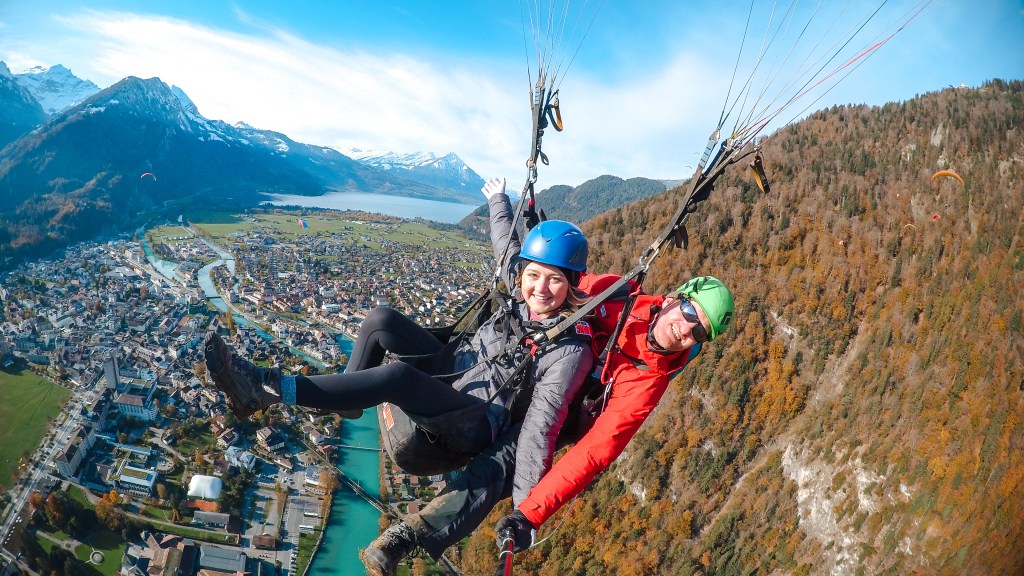
I really enjoyed editing and perfecting my collage. I took everyone’s comments and concerns into consideration when I was working on the final project. I switched out some of the images so that all of the ones showcased are bright and cheery compared to before. I deepened the bevel and emboss feature so that the pictures look like they are bouncing off of the collage more. I also put a slight and subtle outer glow to the pictures. I chose pictures from Okoberfest, our school trip to Paris, a weekend on the Amalfi coast, a beach trip to Monterosso al Mar, and a picture in front of the Duomo. I put the picture of me in front of the Duomo right at the center of the collage because it was taken at the beginning of my semester abroad, and also because Florence was home to me for those four months. I still thought that picture should be at the center of it all. I switched out my picture from Oktoberfest to showcase one of my friends. I also added a picture from Amsterdam and Switzerland to present more of my travels over the course of the semester. I kept the same design process while using the added features. First, I chose new pictures, then I used the elliptical marquee tool in photoshop to crop them into the same sized circles. Then I spent time using the guides and shifting around the sizes of the pictures, so the collage looked visually pleasing. After finding a set up I liked, I added a bevel and emboss effect to all the circular pictures. I kept the background image the same because I think it brings in colors from all of the other photos, and makes it look cohesive overall. I think the changes and edits made to my collage were needed and it represents my time abroad and the theme of my blog perfectly.

Categories
Uncategorized

Draft Graphic Collage

When choosing my images for my collage I went through all my photos from being abroad and picked the ones that showcased some of my absolute favorite memories. I chose pictures from the beginning and end of my trip, as well as some scenery pictures as well as pictures of my friends and I over the course of the semester. I chose pictures from Oktoberfest, our school trip to Paris, a weekend on the Amalfi coast, a beach trip to Monterosso al Mar, and a picture in front of the Duomo. I put the picture of me in front of the Duomo right at the center of the collage because it was taken at the beginning of my semester abroad, and also because Florence was home to me for those four months. Therefore, I thought that picture should be at the center of it all. I thought of this collage as pictures hanging on the wall, and then chose my favorite place to be the background picture. First, I chose pictures, then I used the elliptical marquee tool in photoshop to crop them into the same sized circles. Then I spent time using the guides and shifting around the sizes of the pictures, so the collage looked visually pleasing. After finding a set up I liked, I added a bevel and emboss effect to all the circular pictures. Then, the picture I chose for the background, I brought down the opacity so that the circular pictures stand out more and there wasn’t too much going on throughout the collage. When I revise and edit the collage, I might change out some of the pictures as well as change the layout. I also debated putting the pictures in boarders that actually make it look like it is in a frame. Overall, I really enjoyed making my collage and could make improvements going forward.

Categories
Uncategorized

Photo Collection

Categories
Uncategorized

Photoshop Tutorials

Design a site like this with WordPress.com
Get started